HOW TO PLAY
THE INTERFACE
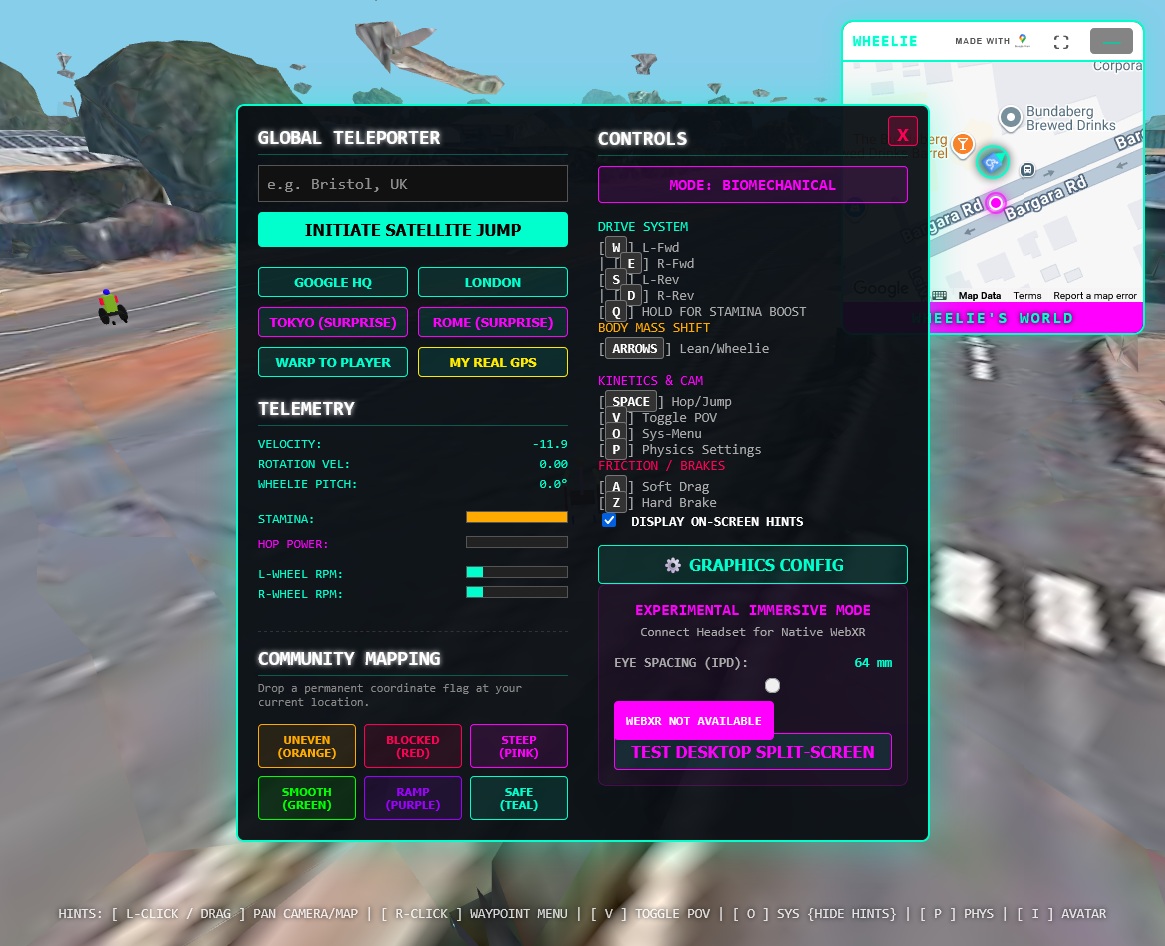
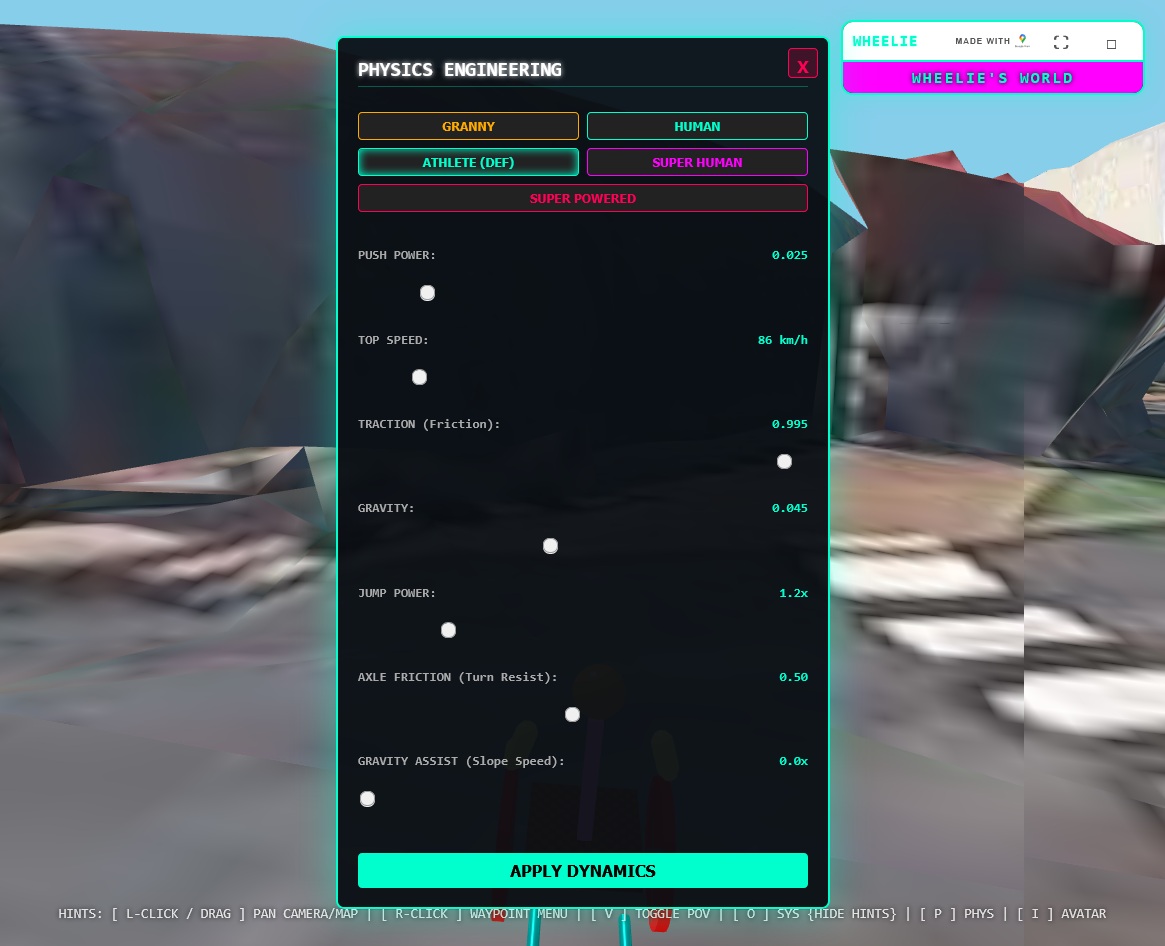
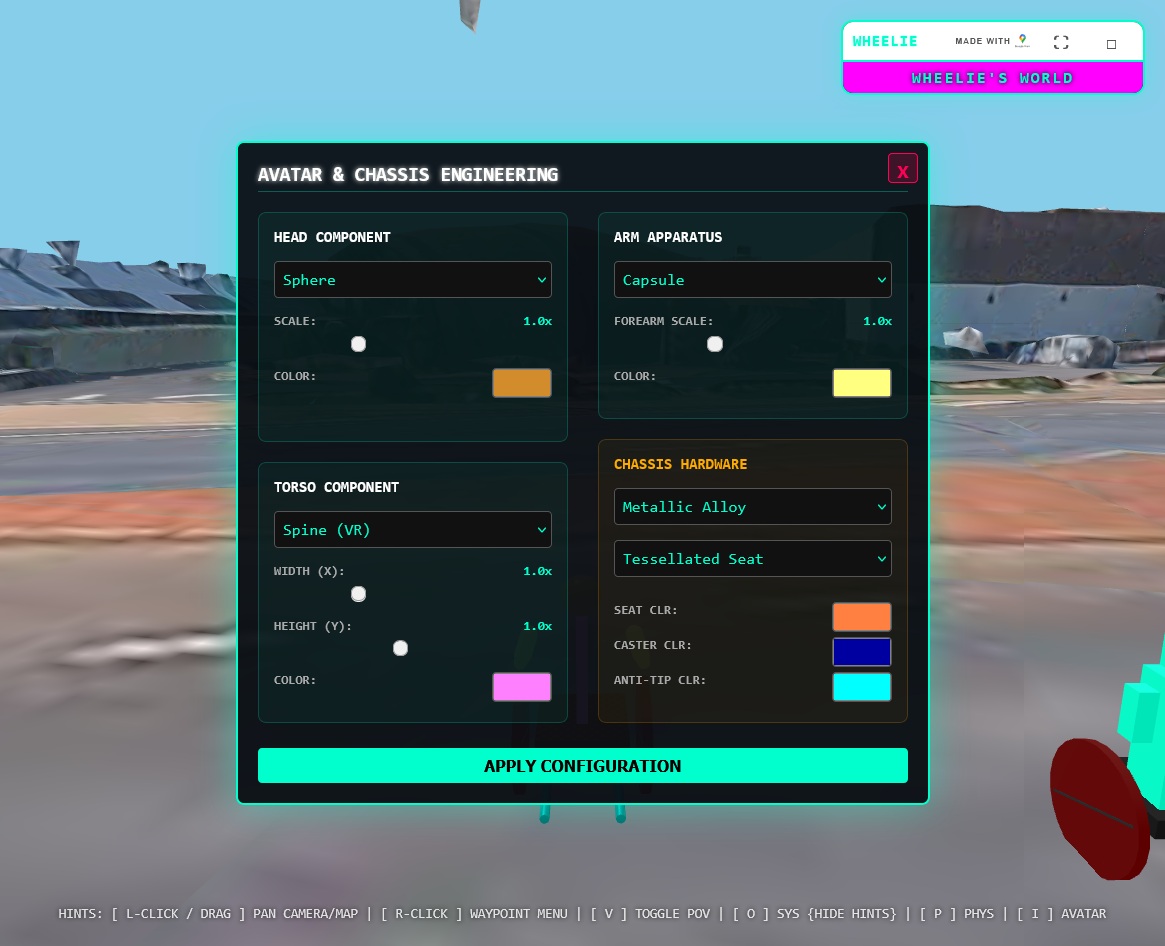
Access the core systems by using the dedicated hotkeys. When a menu is open, the game will unlock your mouse so you can click freely to configure your settings.
- O SYSTEM MENU: View live telemetry, initiate Satellite Jumps, and drop Community Mapping Flags.
- P PHYSICS MENU: Customize push power, traction, axle turn resistance, and slope assist.
- I AVATAR MENU: Customize your digital morphology. Change your head, torso, arm scale, and paint colors.
- V CAMERA POV: Instantly toggle between 3rd-Person Orbit and 1st-Person Perspective.
DRIVING MECHANICS
The simulator uses a dual-wheel physics engine. By default, it operates in Biomechanical Mode. You must manage your stamina and push the left and right wheels independently. Wheelie-World natively supports keyboards, touchscreens, and Bluetooth Gamepads.
- Push Forward: W (Left Wheel) / E (Right Wheel)
- Reverse: S (Left Wheel) / D (Right Wheel)
- Brakes: A (Soft Drag) / Z (Hard Brake)
MULTIPLAYER & COMMUNITY (BETA)
If you launch the Multiplayer Beta, your coordinates and custom avatar are broadcast to the global grid.
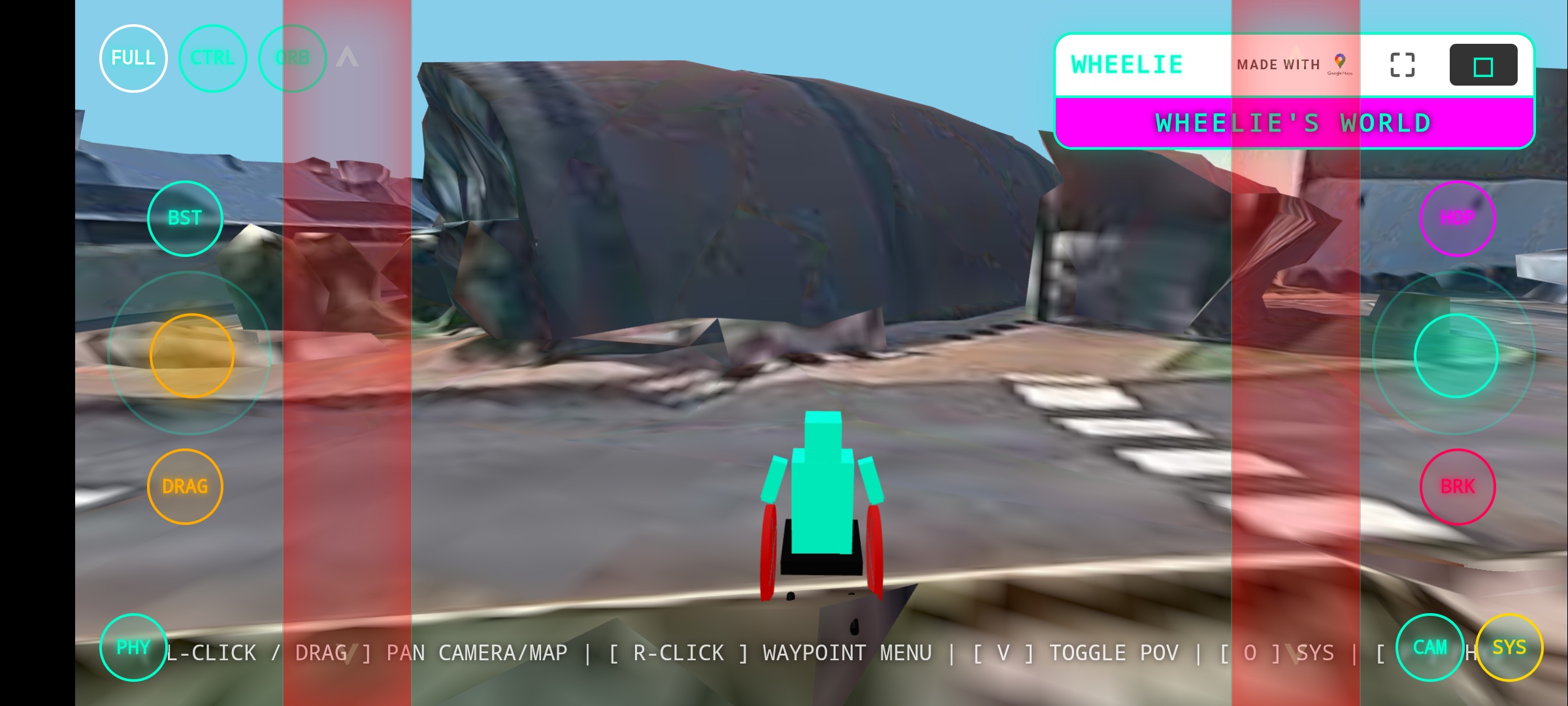
- High Fidelity (250m): Up to 20 players within 250 meters of you render at 20Hz. You will see their exact physics state, including wheelies, leaning, and wheel rotation. If a player hits the brakes, their tires will dynamically glow red.
- Ghost Interpolation (1.5km): Players out to 1.5km swap to lower-poly models and update via "Ghosting" to save bandwidth.
- Soft Ghosting: There are no physical player-to-player collisions. This ensures smooth movement regardless of internet latency and prevents griefing/blocking.
MINI-MAP & FLAGS
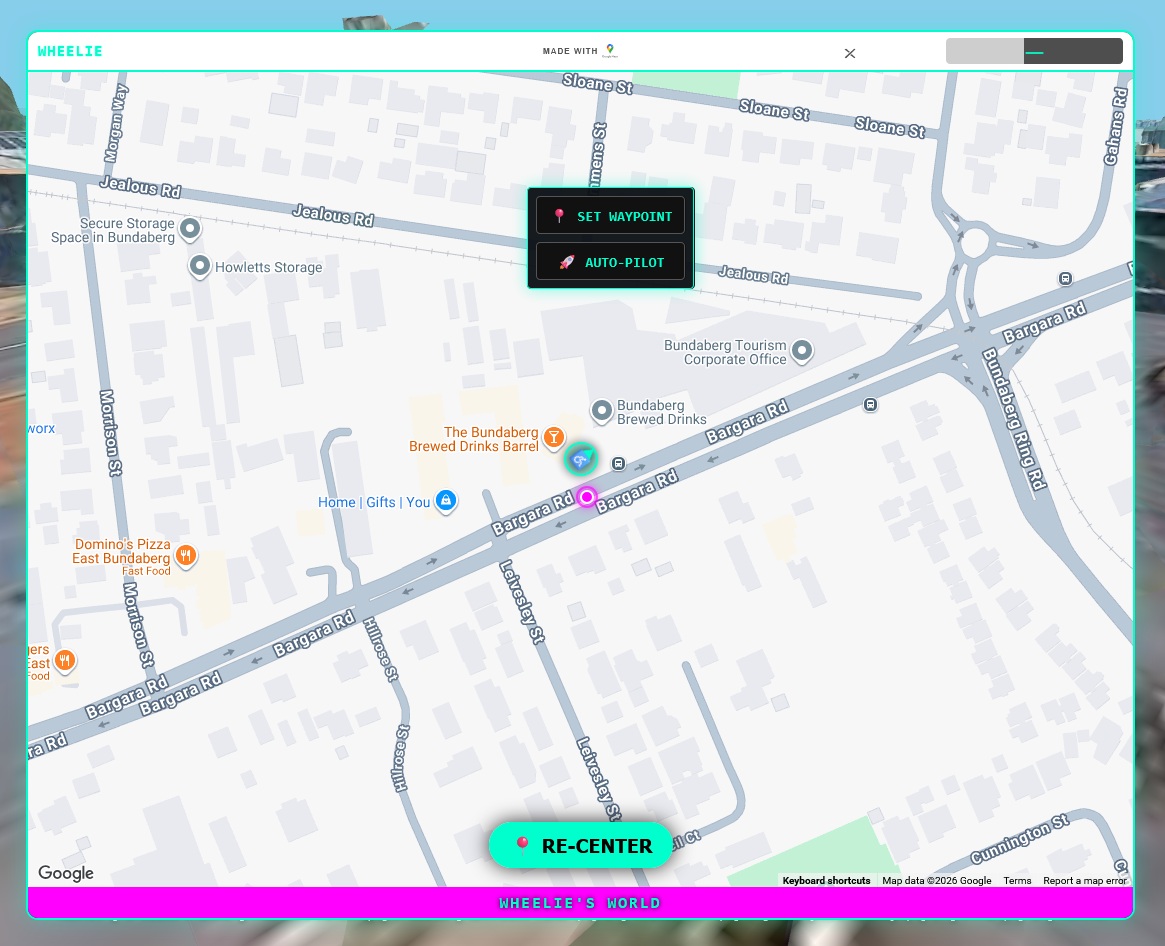
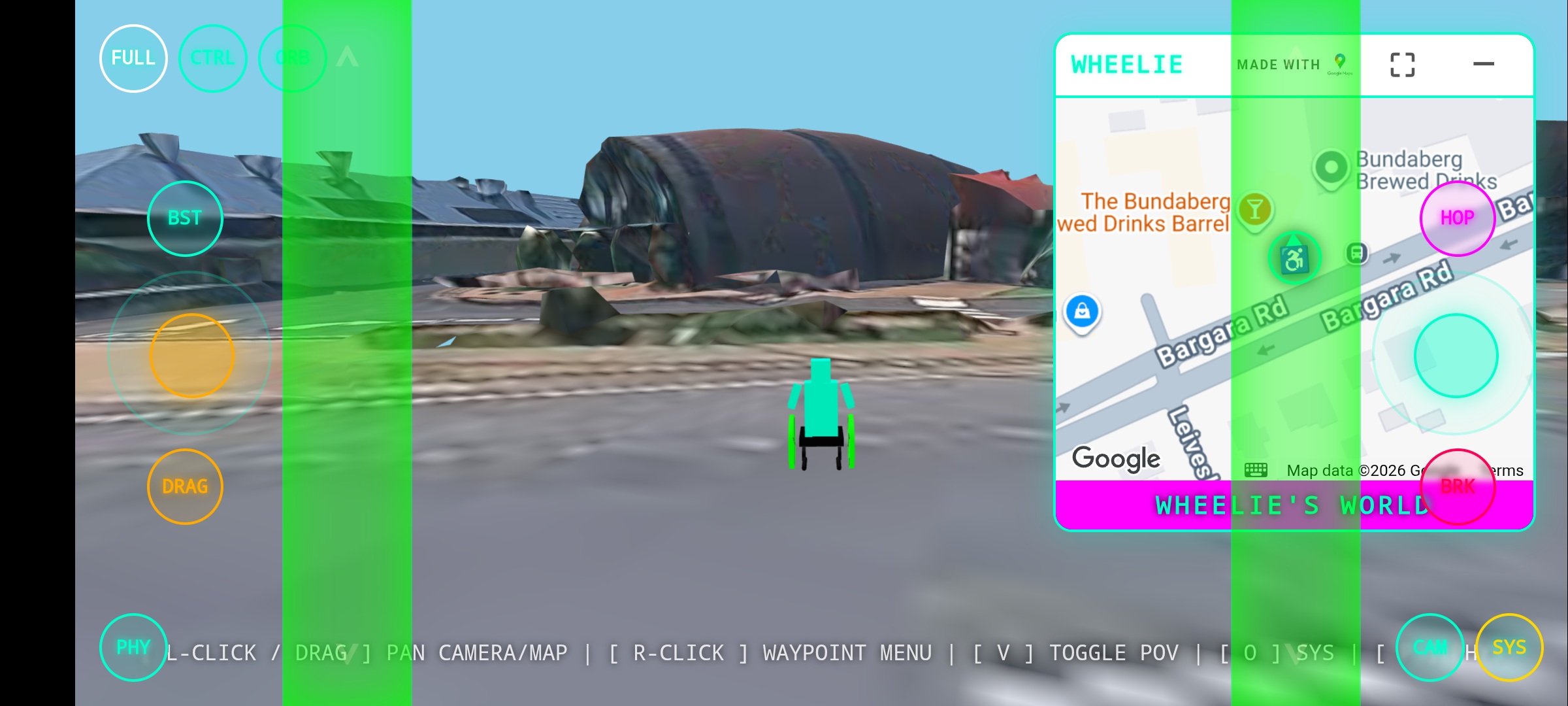
The interactive mini-map tracks your real-time position. Other active players appear as neon pink radar blips. You can Right-Click (or Long-Tap) anywhere on the map to set an Auto-Pilot waypoint.
You can also access the System Menu O to drop permanent Accessibility Flags (Uneven, Blocked, Steep, Smooth, Ramp, Safe). View the global database of dropped flags via the FLAG CARTOGRAPHY link in the sidebar.